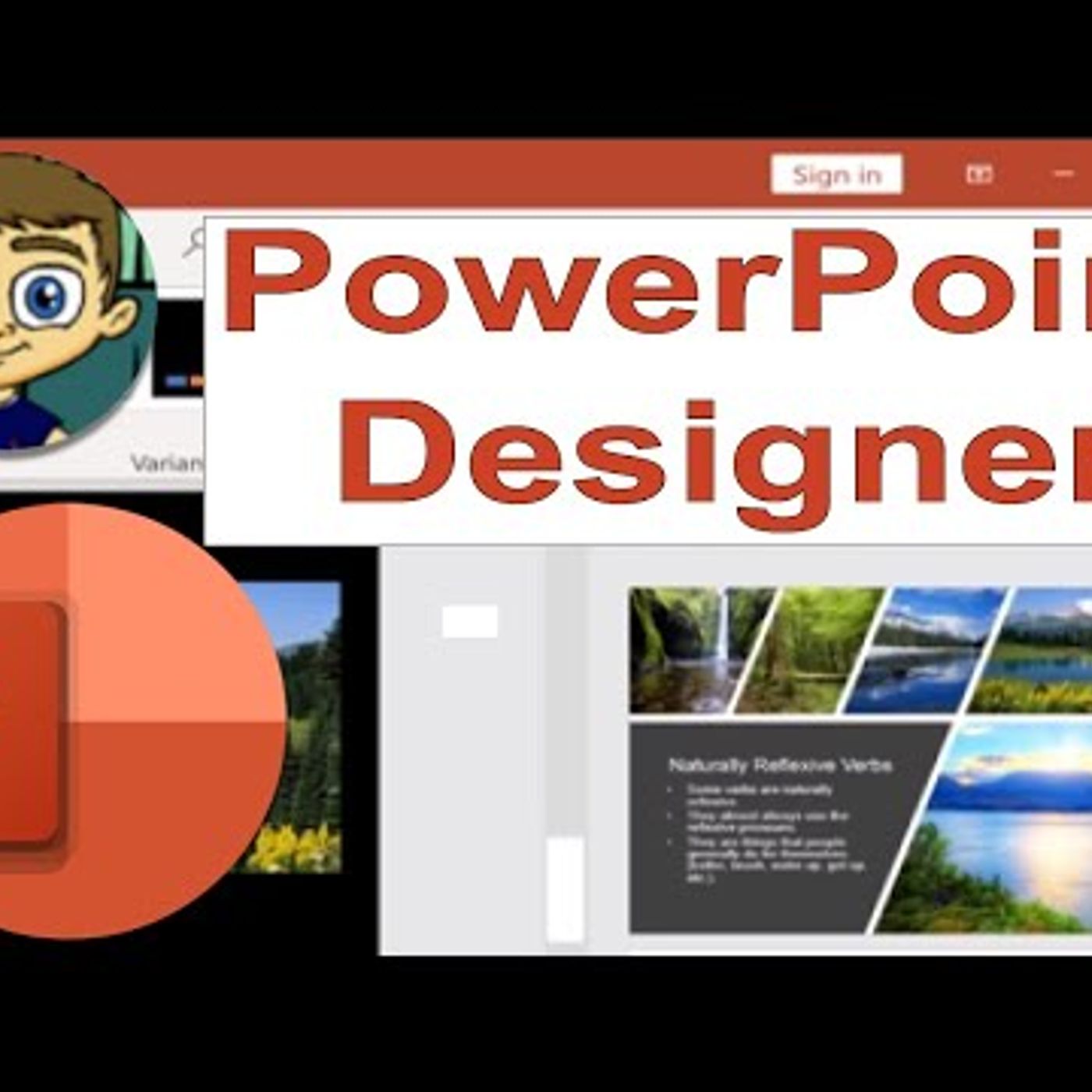
Using PowerPoint Designer to Spruce Up Your Presentations
from Technology for Teachers and Students Hosted by ytr
Learn how to use the excellent PowerPoint Designer tool to spruce up and fix old presentations to make them look modern and attractive again. PowerPoint Designer is also helpful when you\'re creating new presentations, because it can help give you design ideas that you hadn\'t considered. We\'ll especially look at how to use the Design Ideas tool, including how to insert multiple photos into PowerPoint in an attractive way. #powerpointtutorial #powerpoint ***Consider supporting Technology for Teachers and Students on Patreon***: https://www.patreon.com/technologyforteachersandstudents Here\'s my full list of PowerPoint videos: http://bit.ly/2PaOmRZ See below for recommendations on presenter remotes: Logitech Spotlight (Best of the best): https://amzn.to/30sPS6u Logitech R800 (This is the one I use now. Excellent but a bit pricey.): http://amzn.to/2vbPZY7 Logitech R400 (Cheaper version but still great): http://amzn.to/2vbG4Sg ***Consider supporting Technology for Teachers and Students on Patreon***: https://www.patreon.com/technologyforteachersandstudents
Embed this episode
No transcript yet.