
EPISODE · Oct 12, 2009 · 11 MIN
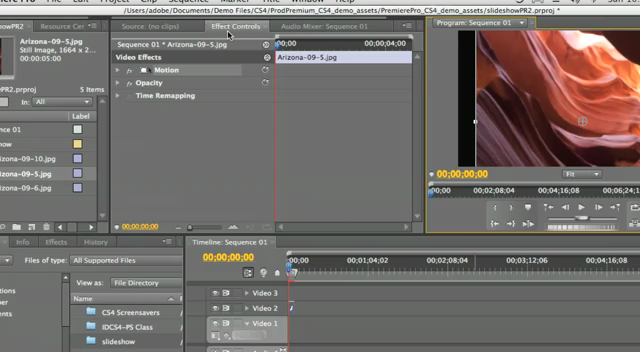
Using Premiere Pro CS4's Motion Controls
In this episode we'll learn how to animate stills in Premiere Pro CS4 using the built-in Motion Controls. Create an animated slideshow easily and make it part of your video.
Embed this episode
Ready to play
Using Premiere Pro CS4's Motion Controls
0:00
11:22
1×
No transcript for this episode yet
Similar Episodes
No similar episodes found.
Similar Podcasts
No similar podcasts found.
Frequently Asked Questions
How long is this episode of Adobe Creative Cloud TV?
This episode is 11 minutes long.
When was this Adobe Creative Cloud TV episode published?
This episode was published on October 12, 2009.
Can I download this Adobe Creative Cloud TV episode?
Yes. Use the download control on the episode player to save the publisher-provided media file.
URL copied to clipboard!