
EPISODE · Aug 13, 2014 · 4 MIN
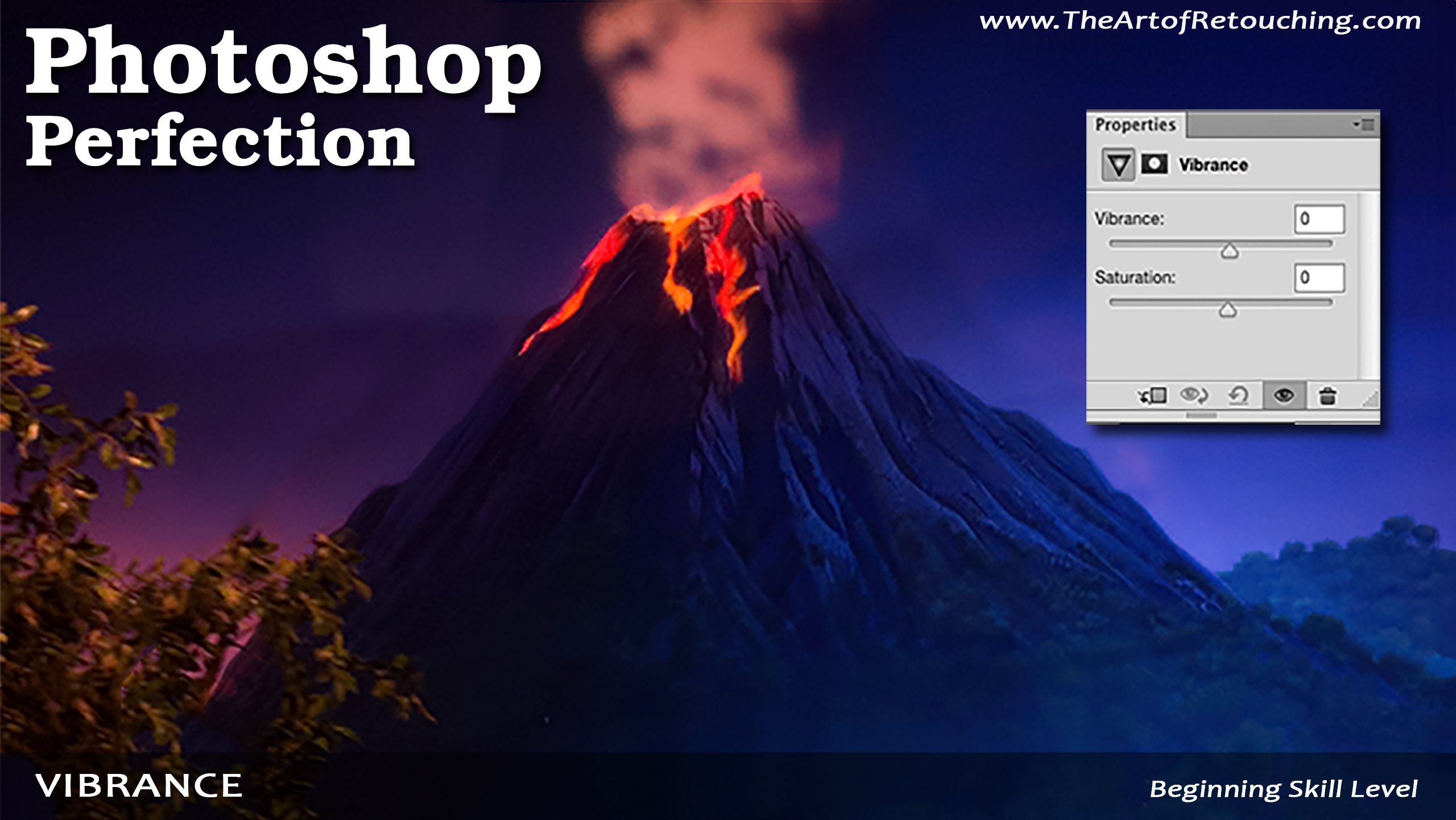
Vibrance | Photoshop Beginner’s Tutorial
from The Art of Retouching Studio · host John Ross
Let’s say you have an image that’s looking pretty pale. When you want to adjust the saturation of an image, I normally don’t recommend using the Saturation Adjustment. Instead, what we’ll be using is the Vibrance Adjustment, because it has Saturation included, and gives you more control over your adjustments. Over at the Adjustments Palette, you can select the Vibrance icon. You can also find it at the bottom of your Layers Palette, as well as in Layer – New Adjustment Layer – Vibrance.
Embed this episode
Ready to play
Vibrance | Photoshop Beginner’s Tutorial
No transcript for this episode yet
Similar Episodes
No similar episodes found.