Skip to content
Vocaroo Tutorial - Record Your Voice Online & Make Audio QR Codes episode artwork

Jun 26, 2017 8 min

Vocaroo Tutorial - Record Your Voice Online & Make Audio QR Codes

from Technology for Teachers and Students Hosted by ytr

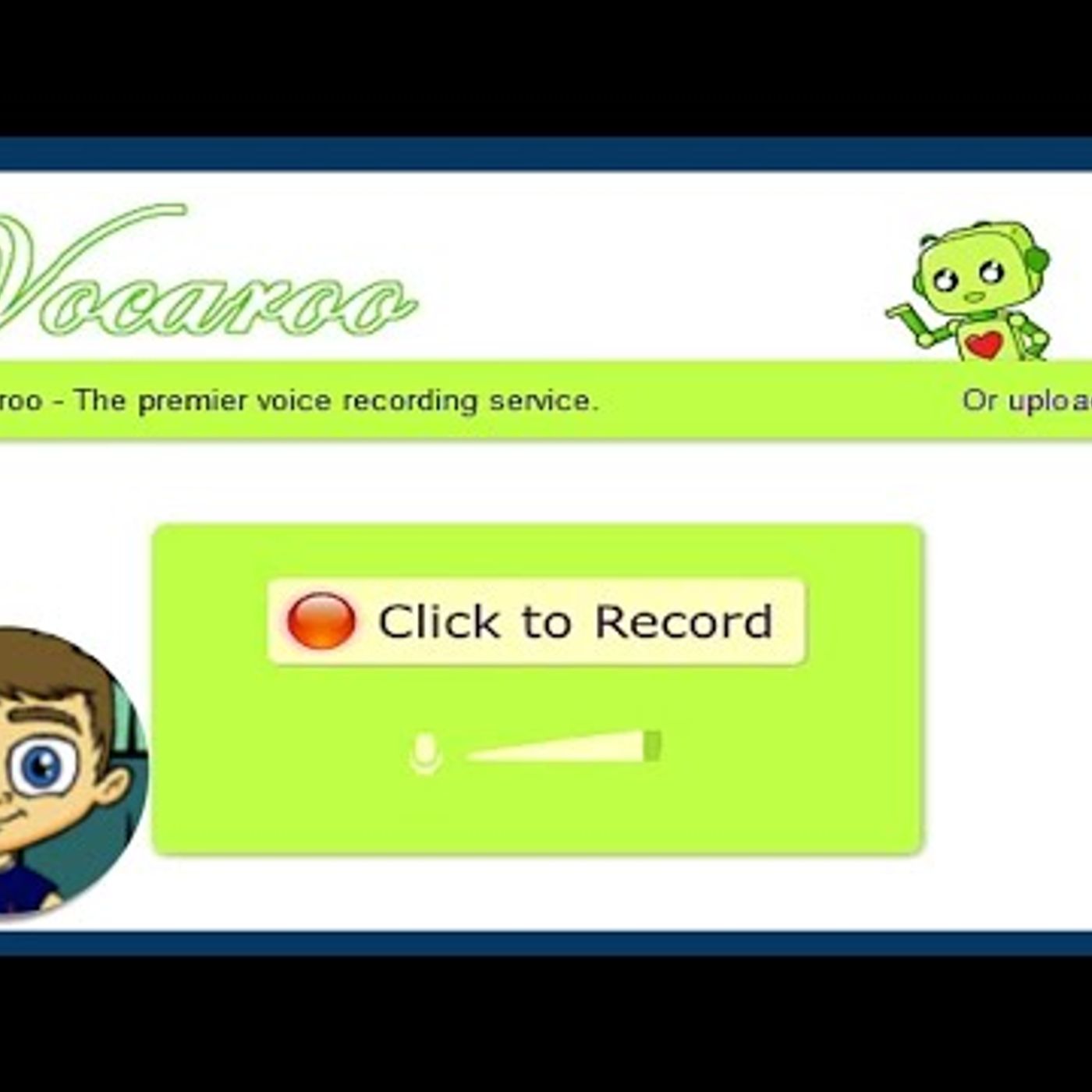
Learn to use Vocaroo to record you voice online in the cloud. No registration necessary! Just go to Vocaroo.com and get started. One of the best Vocaroo features is that it gives you a QR code to your voice recordings so that anyone who scans the code will hear your voice recording. ***Consider supporting Technology for Teachers and Students on Patreon***: https://www.patreon.com/technologyforteachersandstudents A few good quality microphones: Logitech Headphones with Microphone: http://amzn.to/2te6aTJ Amazon Basics USB Headset: http://amzn.to/2sfs8RX

Episode details come from the podcast's RSS feed.

Embed this episode

Ready to play

Vocaroo Tutorial - Record Your Voice Online & Make Audio QR Codes

0:00 8:09

No transcript yet.

Requests help us decide what to transcribe next.

Frequently asked questions

How long is this episode of Technology for Teachers and Students?

This episode is 8 minutes long.

When was this Technology for Teachers and Students episode published?

This episode was published on June 26, 2017.

Can I download this Technology for Teachers and Students episode?

Yes. Use the download control on the episode player to save the publisher-provided media file.