
EPISODE · Apr 22, 2026 · 27 MIN
What Claude Design is actually good for (and why Figma isn’t dead, yet)
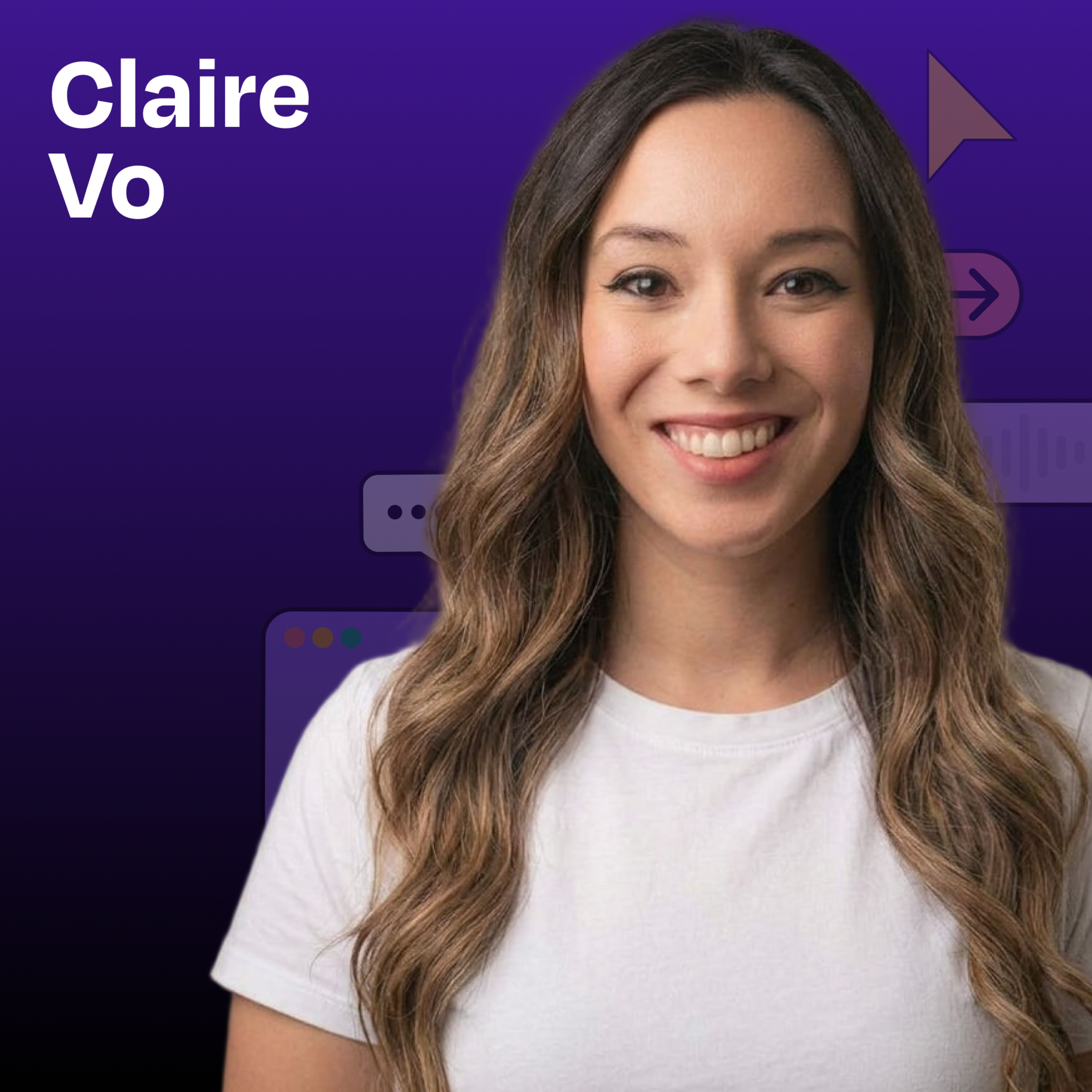
from How I AI · host Claire Vo
In this mini episode, I do a full walkthrough of the AI design tools that dropped in April 2026: Anthropic’s new Claude Design, OpenAI’s GPT Images 2.0, and Google Labs’ open-source DESIGN.md format. I import a full design system from Lenny’s Newsletter, build a landing page, turn my own article into a polished deck, generate a brand kit for ChatPRD, and run a personal color analysis from a photo.What you’ll learn:How Claude Design handles design system imports and whether it can actually replace FigmaThe three best use cases for Claude Design: marketing landing pages, slide decks, and creative redesignsWhy ChatGPT Images 2.0 is a breakthrough for brand kits and layout workGoogle’s new DESIGN.md standardThe practical limits of AI design tools (spoiler: you’ll hit credit limits fast)—Brought to you by:WorkOS—Make your app enterprise-ready todayRippling—Stop wasting time on admin tasks, build your startup faster—In this episode, we cover:(00:00) Welcome and what’s in the spring 2026 AI design drop(01:45) Claude Design overview(03:05) Importing Lenny’s Newsletter design system into Claude Design(04:06) How Claude Design structures a design system(05:42) Google Labs’ DESIGN.md standard(06:41) Building Lenny Doc, a PRD generator landing page using the Lenny design system(09:44) Why the three-variation output is Claude Design’s smartest UX choice(10:20) Hitting the Claude Design limit and paying $200 to keep going(11:05) Where Figma still wins(13:20) Reviewing Lenny Doc(16:19) Turning an Open Claude article into a branded slide deck(17:57) The ’90s GeoCities “Lenny’s Product Zone” redesign(19:44) Claude Design recap(20:15) ChatGPT Images 2.0 and what makes it the first “thinking” image model(21:25) Generating a multi-page brand kit for ChatPRD and iterating with reference images(23:43) Personal color analysis demo(26:02) Recap—Detailed workflow walkthroughs from this episode:• How I Put Claude Design and GPT Images 2.0 to the Test: Building Landing Pages, Slides, and Brand Kits: https://www.chatprd.ai/how-i-ai/claude-design-and-gpt-images-2-building-landing-pages-slides-and-brand-kits• How to Generate a Professional Brand Kit with GPT Images 2.0: https://www.chatprd.ai/how-i-ai/workflows/how-to-generate-a-professional-brand-kit-with-gpt-images-2-0• How to Convert an Article into a Polished Slide Deck with AI: https://www.chatprd.ai/how-i-ai/workflows/how-to-convert-an-article-into-a-polished-slide-deck-with-ai• How to Build a High-Fidelity Landing Page with Claude Design: https://www.chatprd.ai/how-i-ai/workflows/how-to-build-a-high-fidelity-landing-page-with-claude-design—Tools referenced:• Claude Design: https://claude.ai/design• ChatGPT Images 2.0: https://openai.com/index/introducing-chatgpt-images-2-0/• Midjourney: https://www.midjourney.com/—Other references:• Google’s DESIGN.md: https://stitch.withgoogle.com/docs/design-md/overview• Lenny’s Newsletter: https://www.lennysnewsletter.com/• Jamie Gannon “How I AI” episode on reference styles: https://www.lennysnewsletter.com/p/mastering-midjourney-how-to-create• Brand prompt inspiration: https://x.com/riomadeit/status/2046682442791071787• Figma team “How I AI” episode on design systems: https://www.lennysnewsletter.com/p/from-figma-to-claude-code-and-back—Where to find Claire Vo:ChatPRD: https://www.chatprd.ai/Website: https://clairevo.com/LinkedIn: https://www.linkedin.com/in/clairevo/X: https://x.com/clairevo—Production and marketing by https://penname.co/. For inquiries about sponsoring the podcast, email [email protected].
What this episode covers
In this mini episode, I do a full walkthrough of the AI design tools that dropped in April 2026: Anthropic’s new Claude Design, OpenAI’s GPT Images 2.0, and Google Labs’ open-source DESIGN.md format. I import a full design system from Lenny’s Newsletter, build a landing page, turn my own article into a polished deck, generate a brand kit for ChatPRD, and run a personal color analysis from a photo.What you’ll learn:How Claude Design handles design system imports and whether it can actually replace FigmaThe three best use cases for Claude Design: marketing landing pages, slide decks, and creative redesignsWhy ChatGPT Images 2.0 is a breakthrough for brand kits and layout workGoogle’s new DESIGN.md standardThe practical limits of AI design tools (spoiler: you’ll hit credit limits fast)—Brought to you by:WorkOS—Make your app enterprise-ready todayRippling—Stop wasting time on admin tasks, build your startup faster—In this episode, we cover:(00:00) Welcome and what’s in the spring 2026 AI design drop(01:45) Claude Design overview(03:05) Importing Lenny’s Newsletter design system into Claude Design(04:06) How Claude Design structures a design system(05:42) Google Labs’ DESIGN.md standard(06:41) Building Lenny Doc, a PRD generator landing page using the Lenny design system(09:44) Why the three-variation output is Claude Design’s smartest UX choice(10:20) Hitting the Claude Design limit and paying $200 to keep going(11:05) Where Figma still wins(13:20) Reviewing Lenny Doc(16:19) Turning an Open Claude article into a branded slide deck(17:57) The ’90s GeoCities “Lenny’s Product Zone” redesign(19:44) Claude Design recap(20:15) ChatGPT Images 2.0 and what makes it the first “thinking” image model(21:25) Generating a multi-page brand kit for ChatPRD and iterating with reference images(23:43) Personal color analysis demo(26:02) Recap—Detailed workflow walkthroughs from this episode:• How I Put Claude Design and GPT Images 2.0 to the Test: Building Landing Pages, Slides, and Brand Kits: https://www.chatprd.ai/how-i-ai/claude-design-and-gpt-images-2-building-landing-pages-slides-and-brand-kits• How to Generate a Professional Brand Kit with GPT Images 2.0: https://www.chatprd.ai/how-i-ai/workflows/how-to-generate-a-professional-brand-kit-with-gpt-images-2-0• How to Convert an Article into a Polished Slide Deck with AI: https://www.chatprd.ai/how-i-ai/workflows/how-to-convert-an-article-into-a-polished-slide-deck-with-ai• How to Build a High-Fidelity Landing Page with Claude Design: https://www.chatprd.ai/how-i-ai/workflows/how-to-build-a-high-fidelity-landing-page-with-claude-design—Tools referenced:• Claude Design: https://claude.ai/design• ChatGPT Images 2.0: https://openai.com/index/introducing-chatgpt-images-2-0/• Midjourney: https://www.midjourney.com/—Other references:• Google’s DESIGN.md: https://stitch.withgoogle.com/docs/design-md/overview• Lenny’s Newsletter: https://www.lennysnewsletter.com/• Jamie Gannon “How I AI” episode on reference styles: https://www.lennysnewsletter.com/p/mastering-midjourney-how-to-create• Brand prompt inspiration: https://x.com/riomadeit/status/2046682442791071787• Figma team “How I AI” episode on design systems: https://www.lennysnewsletter.com/p/from-figma-to-claude-code-and-back—Where to find Claire Vo:ChatPRD: https://www.chatprd.ai/Website: https://clairevo.com/LinkedIn: https://www.linkedin.com/in/clairevo/X: https://x.com/clairevo—Production and marketing by https://penname.co/. For inquiries about sponsoring the podcast, email [email protected].
NOW PLAYING
What Claude Design is actually good for (and why Figma isn’t dead, yet)
No transcript for this episode yet
Similar Episodes
Mar 31, 2026 ·54m
Mar 27, 2026 ·14m
Mar 24, 2026 ·42m
Mar 20, 2026 ·42m
Mar 17, 2026 ·41m
Mar 13, 2026 ·44m