
EPISODE · Jul 10, 2026 · 29 MIN
What Is a Smart Home Hub and Do You Need One?
from The Smart Home Setup Podcast
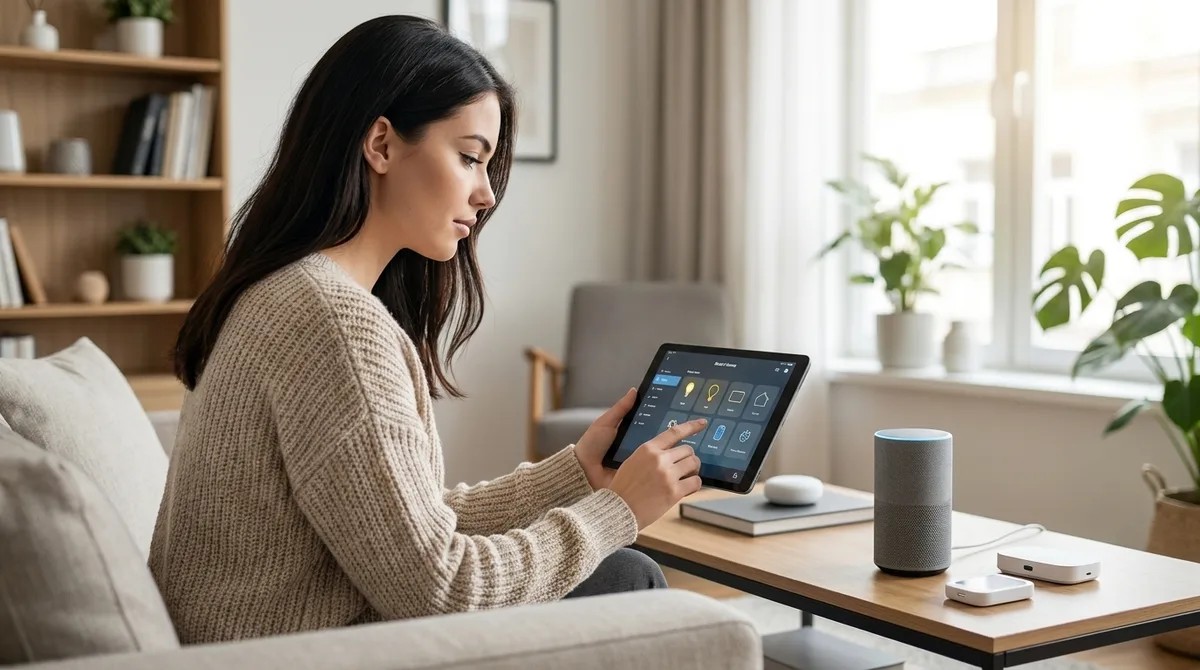
What Is a Smart Home Hub and Do You Need One? You've bought a smart bulb, a Wi-Fi thermostat, maybe a video doorbell. Now you're staring at three separate apps wondering why this is supposed to be convenient. What is a smart home hub? It's the central controller that connects disparate smart devices—often using different wireless protocols—so they can work together without requiring seventeen apps and a cloud account for every light switch. But here's what manufacturers won't tell you upfront: not every hub respects your privacy, and not every smart home actually needs one. I rebuilt my entire automation system after discovering my "smart" setup was phoning home 4,200 times daily. That investigation taught me which hubs enable true local control and which are just data collection points with prettier interfaces. What Is a Smart Home Hub? A smart home hub is a hardware device or software platform that acts as a central controller and translator for smart home devices, letting products that speak different wireless protocols communicate with each other and respond to unified automation rules. Think of it as a multilingual coordinator: your Zigbee motion sensor can trigger your Z-…
Embed this episode
NOW PLAYING
What Is a Smart Home Hub and Do You Need One?
No transcript for this episode yet
Similar Episodes
No similar episodes found.
Similar Podcasts
No similar podcasts found.