What is Bridge in Computer Networks? episode artwork

EPISODE · Nov 21, 2020 · 1 MIN

What is Bridge in Computer Networks?

from PC Networking · host PC Networking

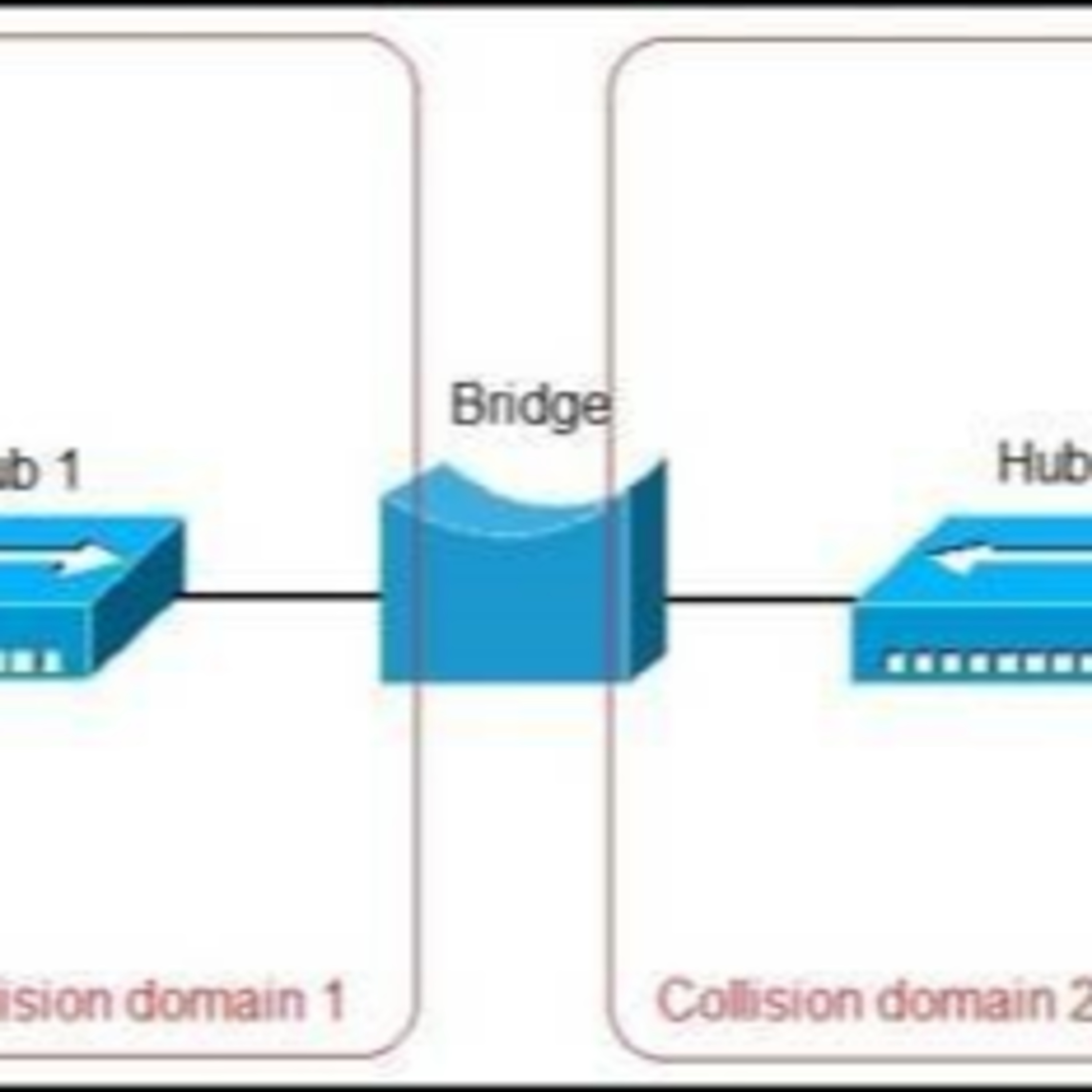
What is Bridge in Computer Networks? Bridges are network devices used to connect two or more independent networks using the same protocol. It examines the data that is placed between two independent networks and wanted to be transferred to both sides. If the data address matches an address on the computer network, it allows data to pass to that network; otherwise, it does not allow data to pass through the network. Bridges generally do what repeaters do. But their main difference is that a repeater amplifies the message coming to it and sends it directly, without looking at the destination. The networking bridges will not send this packet if the packet cannot reach its destination. In addition, bridges connect different networks from each other and allow them to communicate between them. We can list the properties of bridges as follows. The OSI model is a layer 2 device. Uses various physical layer protocols. It filters LAN traffic. Keeps local traffic locally. It enables transmission to other parts of the LAN traffic as well. It separates the collision areas connected to MAC addresses. Bridges need to be understood very well in order to understand the Routing and Switching processes. Usually, bridges resemble devices with two ports, but there are also bridges with three or more ports. More Podcasts The Networking Switch in Google Podcast The Networking Router in Google Podcast The WAN in iHeart Podcast The Difference LAN, WAN, and MAN in iHeart Podcast

Episode metadata supplied by the publisher feed · Published Nov 21, 2020

What is Bridge in Computer Networks? Bridges are network devices used to connect two or more independent networks using the same protocol. It examines the data that is placed between two independent networks and wanted to be transferred to both sides. If the data address matches an address on the computer network, it allows data to pass to that network; otherwise, it does not allow data to pass through the network. Bridges generally do what repeaters do. But their main difference is that a repeater amplifies the message coming to it and sends it directly, without looking at the destination. The networking bridges will not send this packet if the packet cannot reach its destination. In addition, bridges connect different networks from each other and allow them to communicate between them. We can list the properties of bridges as follows. The OSI model is a layer 2 device. Uses various physical layer protocols. It filters LAN traffic. Keeps local traffic locally. It enables transmission to other parts of the LAN traffic as well. It separates the collision areas connected to MAC addresses. Bridges need to be understood very well in order to understand the Routing and Switching processes. Usually, bridges resemble devices with two ports, but there are also bridges with three or more ports. More Podcasts The Networking Switch in Google Podcast The Networking Router in Google Podcast The WAN in iHeart Podcast The Difference LAN, WAN, and MAN in iHeart Podcast

PodParley-generated summary based on available episode metadata and transcript content.

NOW PLAYING

What is Bridge in Computer Networks?

0:00 1:17

No transcript for this episode yet

We transcribe on demand. Request one and we'll notify you when it's ready — usually under 10 minutes.

Frequently Asked Questions

How long is this episode of PC Networking?

This episode is 1 minute long.

When was this PC Networking episode published?

This episode was published on November 21, 2020.

What is this episode about?

What is Bridge in Computer Networks? Bridges are network devices used to connect two or more independent networks using the same protocol. It examines the data that is placed between two independent networks and wanted to be transferred to both...

Can I download this PC Networking episode?

Yes, you can download this episode by clicking the download button on the episode player, or subscribe to the podcast in your preferred podcast app for automatic downloads.
URL copied to clipboard!