
EPISODE · Jun 16, 2026 · 13 MIN
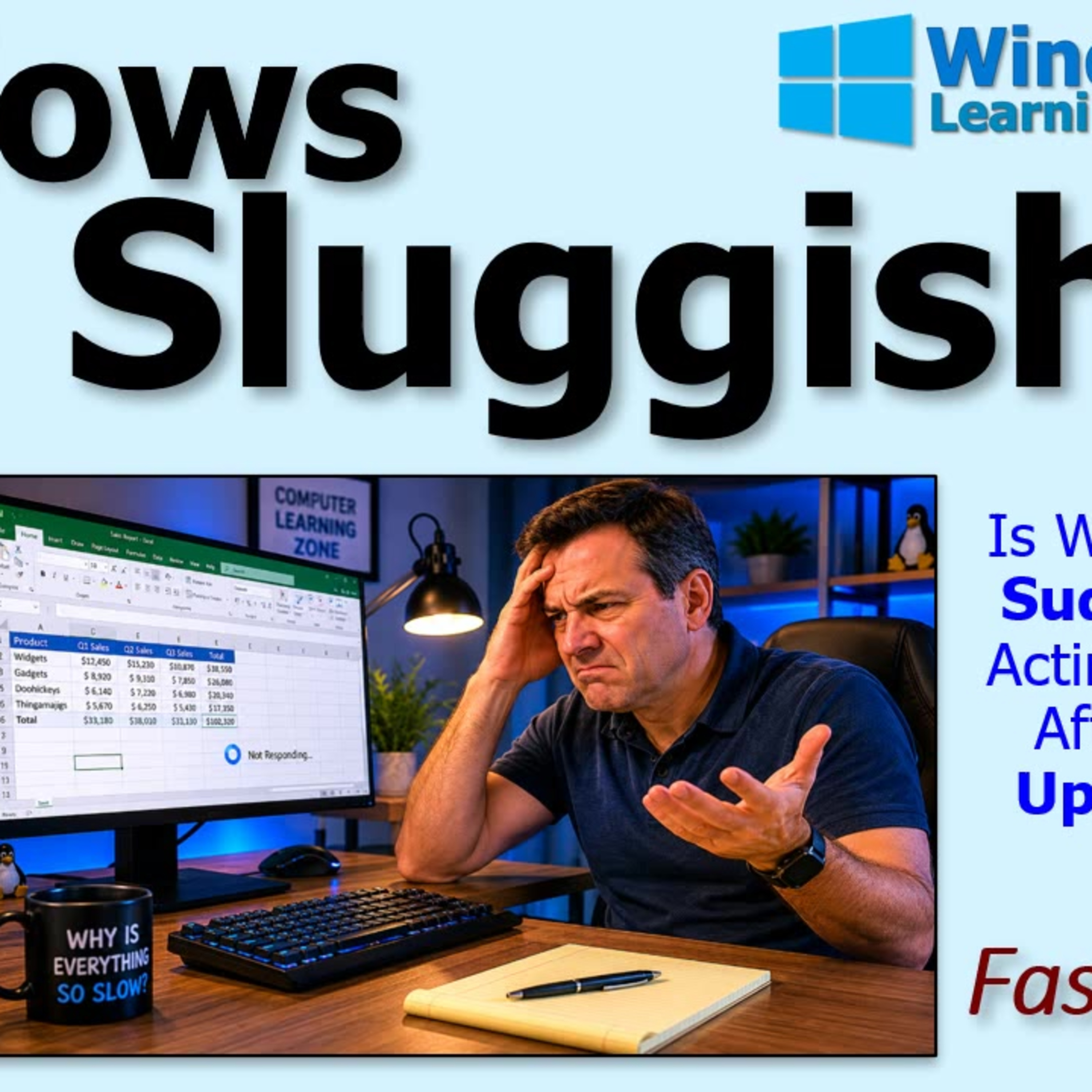
What to Check First When Windows Feels Slow After an Update
from Computer Learning Zone · host Richard Rost
Is your Windows PC suddenly lagging after a recent update? You are not alone, and it might not be your hardware or drivers to blame. In this episode, Richard Rost from WindowsLearningZone.com shares his frustrating experience with a sudden performance drop after updating his Lenovo Legion laptop to Windows 11. Instead of the usual suspects like CPU, memory, or graphics drivers, the real issue turned out to be a subtle power mode setting that Windows quietly changed during the update.Learn why performance modes matter more than you think, how manufacturer-specific software can impact speed, and why you should check your power settings before diving into time-consuming troubleshooting. Richard also offers practical tips for managing Windows updates on your own terms and shares a few humorous lessons learned along the way.If your computer ever starts dragging after an update, this episode will help you regain full performance and avoid unnecessary headaches. Live long and prosper, and never underestimate the impact of one small setting.
Embed this episode
NOW PLAYING
What to Check First When Windows Feels Slow After an Update
No transcript for this episode yet
Similar Episodes
No similar episodes found.