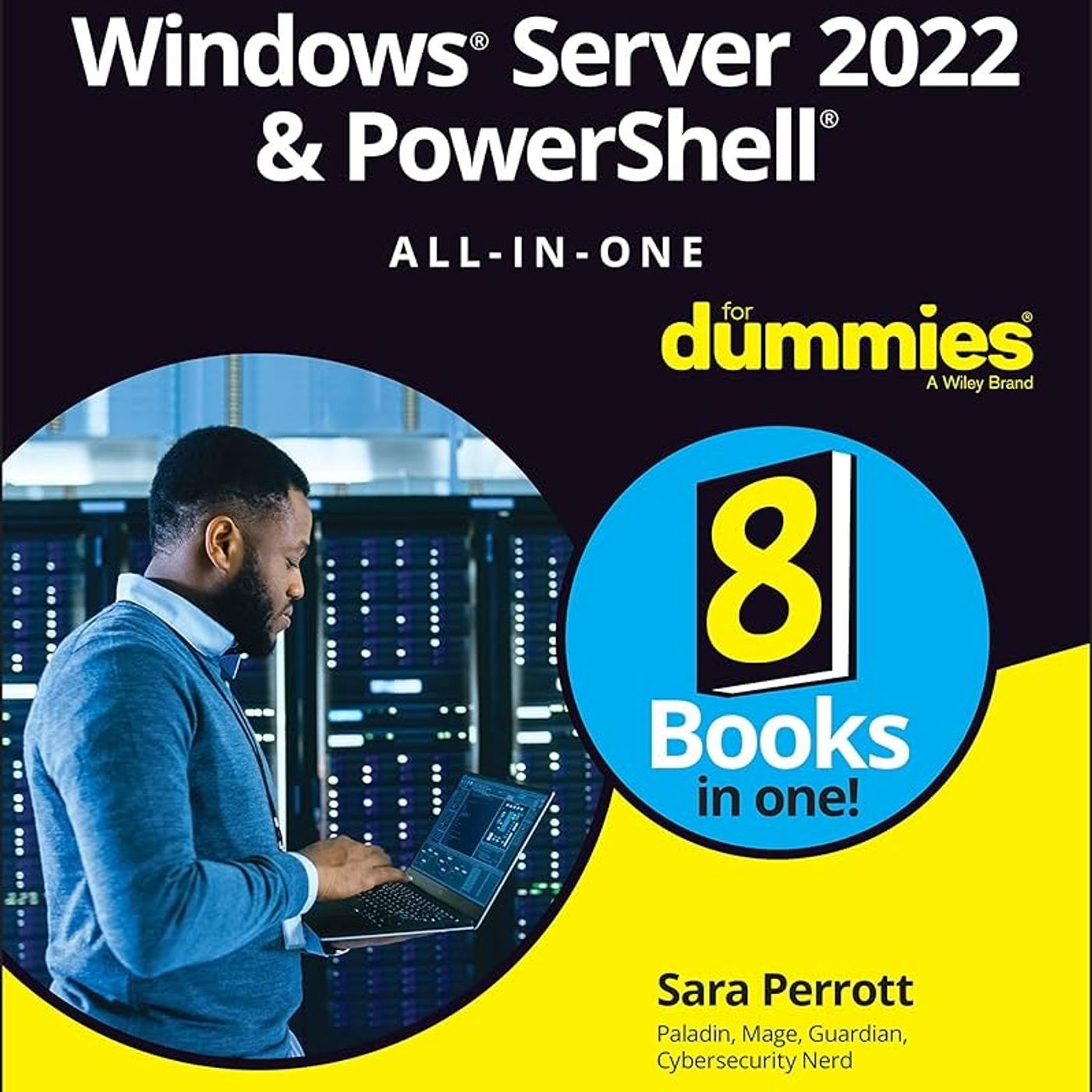
Windows Server 2022 & PowerShell All-in-One For Dummies
from CyberSecurity Summary Hosted by CyberSecurity Summary
The source Book "Windows Server 2022 & PowerShell All-in-One For Dummies" by Sara Perrott. It provides a comprehensive guide for system administrators, covering a wide range of topics including installing and configuring Windows Server 2022, managing Active Directory, troubleshooting network issues, working with PowerShell, and implementing virtualization with Hyper-V. The book is organized into eight minibooks, each focusing on a specific aspect of Windows Server 2022 or PowerShell, making it a valuable resource for both beginners and experienced administrators. You can listen and download our episodes for free on more than 10 different platforms: https://linktr.ee/cyber_security_summary Get the Book now from Amazon: https://www.amazon.com/-/en/Windows-Server-2022-Powershell-Dummies/dp/1119867827?&linkCode=ll1&tag=cvthunderx-20&linkId=fd057c524c5a32d39efa1d9e3c25121b&language=en_US&ref_=as_li_ss_tl Discover our free courses in tech and cybersecurity, Start learning today: https://linktr.ee/cybercode_academy
Embed this episode
No transcript yet.