
EPISODE · Jun 27, 2022 · 1H 23M
You Can Dangle Your Dongle
from Mac Geek Gab — Apple Tips, Tricks, and Troubleshooting
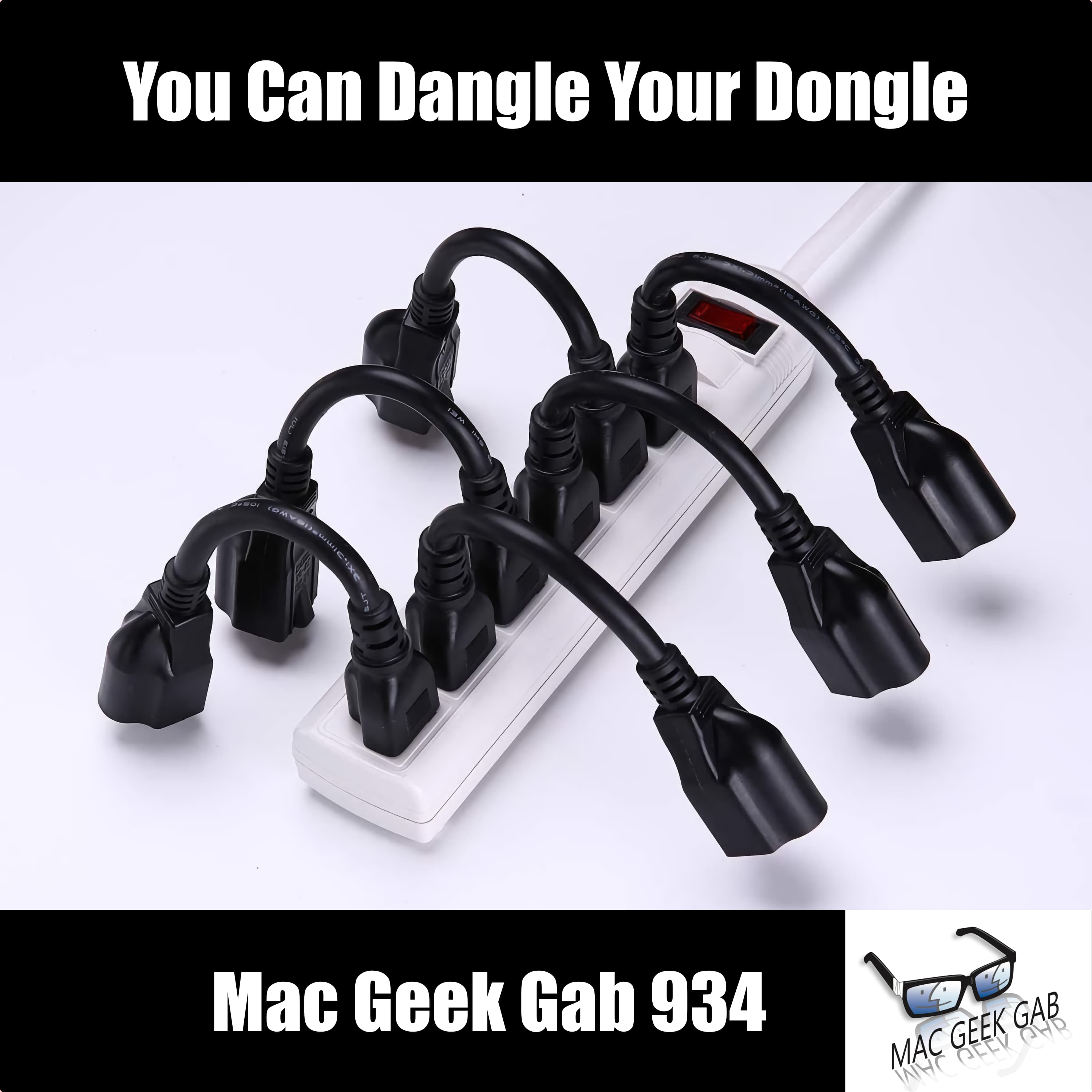
Did you know that macOS will tell you which Wi-Fi channel you should use on your router? How about that you can type in specific start and end times for iPhone calendar appointments? How about seeing the wireless charging draw of your iPhone? You will after you listen to just the first segment of this week’s episode! After that, John, Pete, and Dave answer your questions, share your Cool Stuff Found, and just generally ensure you enjoy the process of learning at last five new things! Press play and join your three favorite geeks for another fun ride! Chapters/Timestamps/Stuff mentioned: 00:00:00 Mac Geek Gab 934 for Monday, June 27, 2022 The MGG Discord Server is Live! The MGG Merch Store is Live! Quick Tips 00:01:43 QT-Option-Click Wi-Fi > Open Wireless Diagnostics > Window > Scan (ignore the “Introduction”) 00:06:05 Larry-QT-Long-press minutes in Calendar App for keypad 00:08:04 QT-Enable Data Roaming for your pre-paid, data-only eSIM 00:14:53 Dominic-929-Use iMazing to see the net charging wattage of wireless chargers 00:17:02 Craig-QT-Tap the power button when your Mac won’t Wake from Sleep Terminal Command to immediately reboot your Mac: sudo shutdown -r now 00:24:01 Todd-Backup Your Focus Groups with Screenshots Sponsors 00:28:02 SPONSOR: Other World Computing’s new miniStack STX is exactly The Thunderbolt 4 Hub you want for your mac Mini. Same form factor, sits under your Mac mini, and has four Thunderbolt 4 ports and it’s a storage enclosure, too! 00:29:48 SPONSOR: The Small Business Show Podcast. It’s true, MGG isn’t the only show Dave co-hosts. He and Shannon Jean — yep, the one formerly of MacResQ and TechRestore — produce this show every week for folks who enjoy thinking with their Business Brain. Check it out at BusinessShow.co for more! Your Questions Answered and Tips Shared! 00:31:48 John-933-Write to NFCs for Free with NFC21 Tools 00:34:38 Terri-Connecting to Wi-Fi with NFC Tags? 00:41:08 Jonathan-Why am I seeing Extra Captcha and SSL Mismatches on websites? Brave Browser 00:47:36 Michael-932–Many VPNs are owned by Kape Technologies 00:53:12 Jonathan-T-Mobile Wireless Internet Speeds and Performance – also r/tmobileisp and r/verizonisp Sniglets, revisited 01:01:07 Jose-933-It’s called the “Over-Under” 01:01:46 Karen-933-It’s called “Desk-a-ling” 01:02:02 Michael-933-It’s Called a “Dangler” I had a dangler and it fell 01:02:48 Bjørn-933-Are you Table-Cable-Able? 01:03:23 Scott-933–WordCombiner says it’s “dancle” Cool Stuff Found 01:04:54 Todd-CSF-Use Hand Mirror on your Mac before joining Zoom calls 01:06:09 CSF-Outlet Extensions so Wall-Warts Fit in Power Strips (or get rotating ones!) 01:09:14 Dominic-CSF-Howard Oakley’s SMART Explainer 01:10:40 DrDream-CSF-Duplicate File Finder for…removing dupes! 01:11:20 Wayne-CSF-932–Parsec for low-latency remote control 01:12:27 John-CSF-932-Use Eye Measure to Measure Pupillary Distance 01:14:13 Sonos Voice 01:19:29 MGG 934 Outtro <https://mgg.fm/934> John Mulaney’s Best Meal Pilot Pete’s New Aviation Podcast: So There I Was Bandwidth Provided by CacheFly MGG Merch is Available! Mac Geek Gab YouTube Page Mac Geek Gab Live Calendar This Week’s MGG Premium Contributors MGG Apple Podcasts Reviews [email protected] 224-888-GEEK The Mac Geek Gab iPhone app Active MGG Sponsors and Coupon Codes List BackBeat Media Podcast Network
Embed this episode
Ready to play
You Can Dangle Your Dongle
No transcript for this episode yet
Similar Episodes
No similar episodes found.