
How to Listen to TuttoLibri: A Step‑by‑Step Guide
Explore 1+ podcasts on PodParley
If you’re new to the world of Italian literary podcasts, you’ll want to know exactly **how to listen to TuttoLibri**. This guide walks you through every step, from finding the show on your favorite platform to setting up RSS feeds for offline listening.
**Step 1: Locate the Podcast**
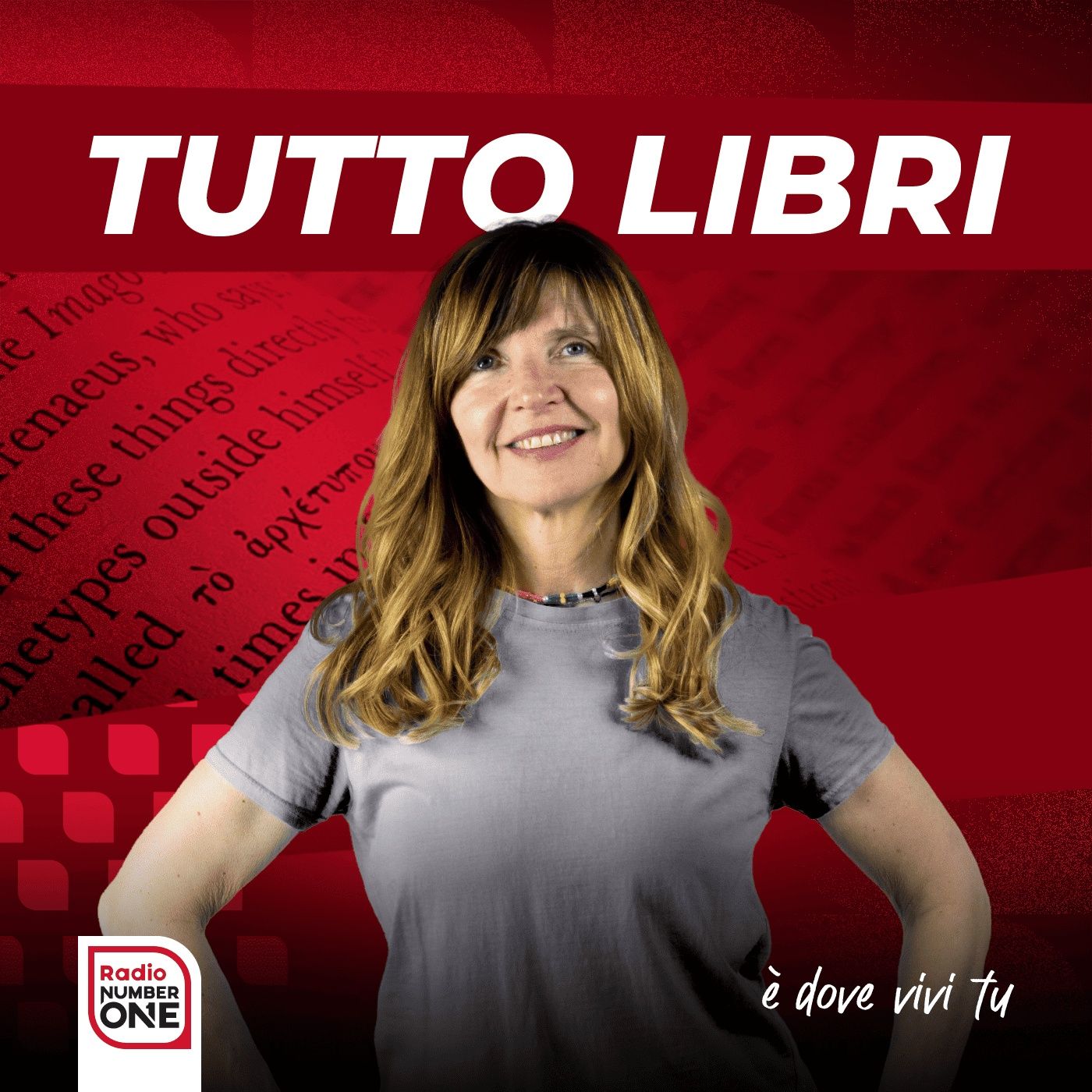
TuttoLibri, hosted by Liliana Russo on Radio Number One, is available on major streaming services. Open Apple Podcasts, Spotify, or Google Podcasts and type "TuttoLibri" into the search bar. You’ll see the show’s icon, episode list, and a brief description.
**Step 2: Subscribe on Your Platform**
- Apple Podcasts: Tap the "Subscribe" button to receive new episodes automatically.
- Spotify: Click "Follow" next to the title or add the show to a playlist.
- Google Podcasts: Hit "Subscribe" and enable notifications.
**Step 3: Use PodParley for a Unified Experience**
PodParley aggregates podcasts from multiple platforms. Search for TuttoLibri in the PodParley app, add it to your library, and enjoy a single interface to stream episodes, even if they’re originally on Spotify or Apple.
**Step 4: Subscribe via RSS Feed**
For ultimate flexibility, use the RSS feed: https://www.spreaker.com/show/4227856/episodes/feed. Copy this URL and paste it into any podcast app that accepts manual RSS subscriptions. This allows you to download episodes for offline listening and keeps your listening history synced across devices.
**Step 5: Listen Anywhere**
Once subscribed, you can stream or download episodes. If you’re on the go, use the Spotify or Apple Podcasts mobile apps. If you prefer offline access, the RSS feed option is perfect, especially for long commutes or places without Wi‑Fi.
**Why TuttoLibri?**
Each episode covers literary reviews, author interviews, and editorial insights. The show’s weekly schedule ensures fresh content, making it a must‑listen for book lovers, writers, and anyone curious about Italy’s publishing scene.
**Get Started Today**
Just choose a platform, hit subscribe, and press play. Whether you’re a fan of Apple Podcasts, love the Spotify interface, or prefer the flexibility of an RSS feed, TuttoLibri is ready to enrich your literary journey.
**Pro Tip:** Set reminders for new episodes and use the search feature to find past episodes on specific authors or topics. Happy listening!
About
Learn how to listen to TuttoLibri on Apple Podcasts, Spotify, Google Podcasts, PodParley, or via RSS feed. Follow our step‑by‑step guide.
1 podcasts
Explore More
Frequently Asked Questions
Where can I find TuttoLibri?
Search "TuttoLibri" on Apple Podcasts, Spotify, Google Podcasts, or use the PodParley app. The show’s official website is also available.
How do I subscribe using the RSS feed?
Copy the RSS link (https://www.spreaker.com/show/4227856/episodes/feed) and paste it into your podcast app’s manual subscription field.
Can I listen to episodes offline?
Yes. Most platforms allow you to download episodes. Using the RSS feed, you can download files for offline playback.
Does TuttoLibri support all major podcast platforms?
TuttoLibri is available on Apple Podcasts, Spotify, Google Podcasts, and can be accessed via PodParley or any app that supports RSS feeds.