
How to Listen to What A Day: A Step‑by‑Step Guide
Explore 1+ podcasts on PodParley
If you’re new to What A Day and want to know how to listen to What A Day, this guide will walk you through every step. What A Day is a daily news podcast that delivers concise, insightful updates so you can stay informed on the go. To start listening, you have several convenient options:
1. **PodParley** – The Podcast Parley platform hosts What A Day in its daily news category. Simply search for “What A Day” in the PodParley app or visit the web interface. Once you find the show, tap the play button or add it to your library for offline listening.
2. **Apple Podcasts** – If you use an iPhone or Mac, open the Apple Podcasts app, type “What A Day” in the search bar, and tap the podcast title. From there, you can subscribe to receive new episodes automatically. Apple Podcasts also offers the option to download episodes for offline playback.
3. **Spotify** – Spotify’s podcast section has What A Day listed under news. Search for the title, hit subscribe, and you’ll get notified whenever a new episode drops. Spotify’s playback controls are intuitive, and you can adjust the speed if you want a faster or slower listening experience.
4. **Google Podcasts** – Android users can open the Google Podcasts app, search for “What A Day,” and tap subscribe. Google Podcasts will sync across devices, so you can start listening on your phone and finish on a tablet.
5. **RSS Feeds** – For those who prefer a custom reader or want to keep the feed in a specific app, the RSS link for What A Day is https://audioboom.com/channels/5166630.rss. Copy this URL into any RSS‑compatible podcast app, and you’ll automatically receive all new episodes.
Once you’ve added What A Day to your chosen platform, you can tune in at any time. Most listening apps allow you to set playback speed, hide ads, and even skip episodes that you’ve already heard. If you’re on a commute, you can pair your phone with a Bluetooth speaker or use a smartwatch to control playback.
In summary, to listen to What A Day, simply search the show on PodParley, Apple Podcasts, Spotify, or Google Podcasts, or use the RSS feed for a custom setup. Subscribe, download, and enjoy daily news updates wherever you are.
Whether you’re a news junkie or just looking for a quick briefing, What A Day offers a concise, reliable source of information. Start listening today and never miss a headline again.
Featured Podcasts
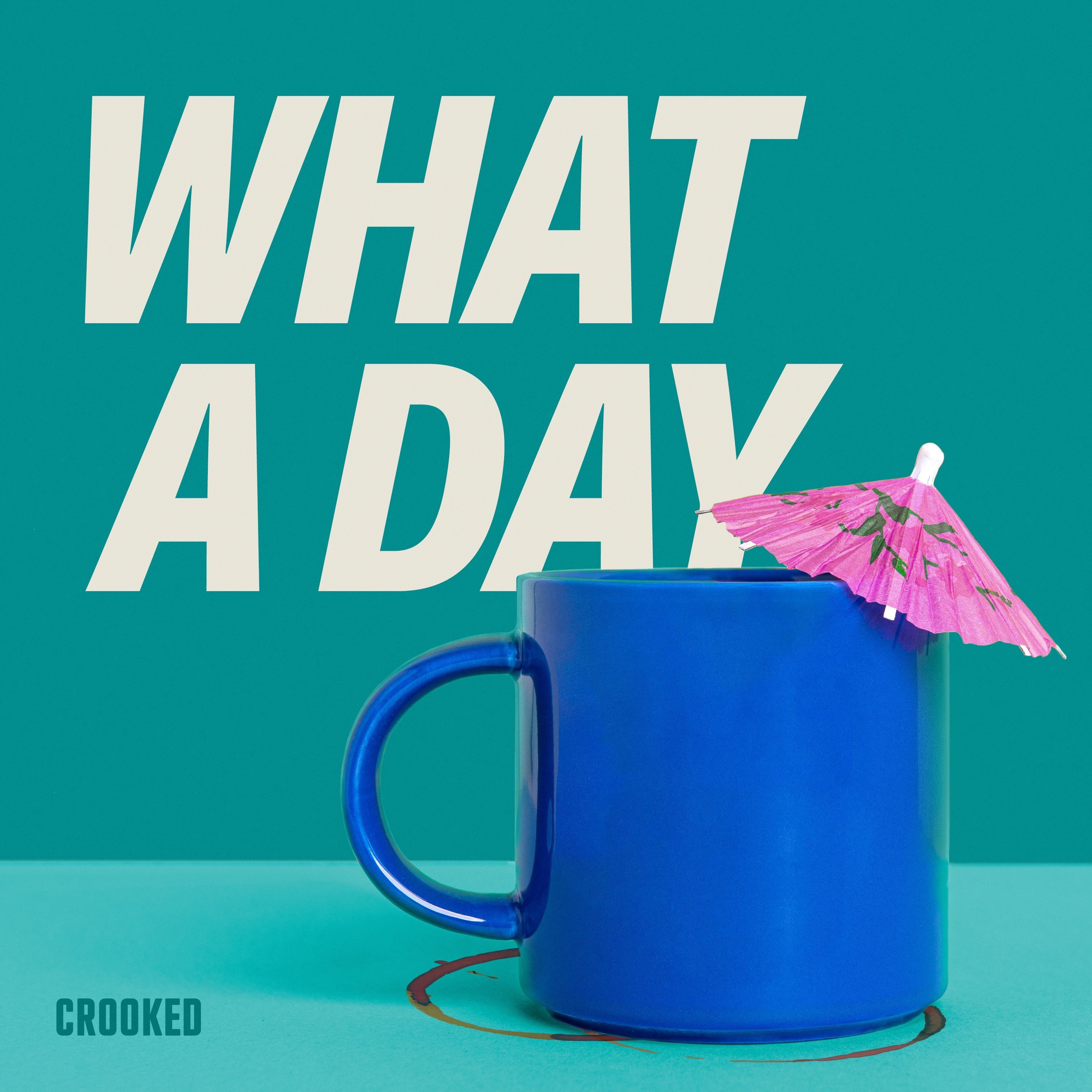
About
Discover how to listen to What A Day on PodParley, Apple Podcasts, Spotify, Google Podcasts, and via RSS for daily news updates.
1 podcasts
Explore More
Frequently Asked Questions
What devices can I use to listen to What A Day?
You can listen on any smartphone, tablet, or computer that supports PodParley, Apple Podcasts, Spotify, Google Podcasts, or any RSS‑compatible app.
Do I need a subscription to hear What A Day?
No, What A Day is free. You only need to subscribe within the app to receive new episodes automatically.
Can I listen offline?
Yes, each platform allows you to download episodes for offline playback, making it easy to listen while on the move.
Is the RSS feed available for third‑party apps?
Absolutely. The RSS link https://audioboom.com/channels/5166630.rss can be entered into any podcast app that supports RSS feeds.