
EPISODE · Jan 23, 2025 · 29 MIN
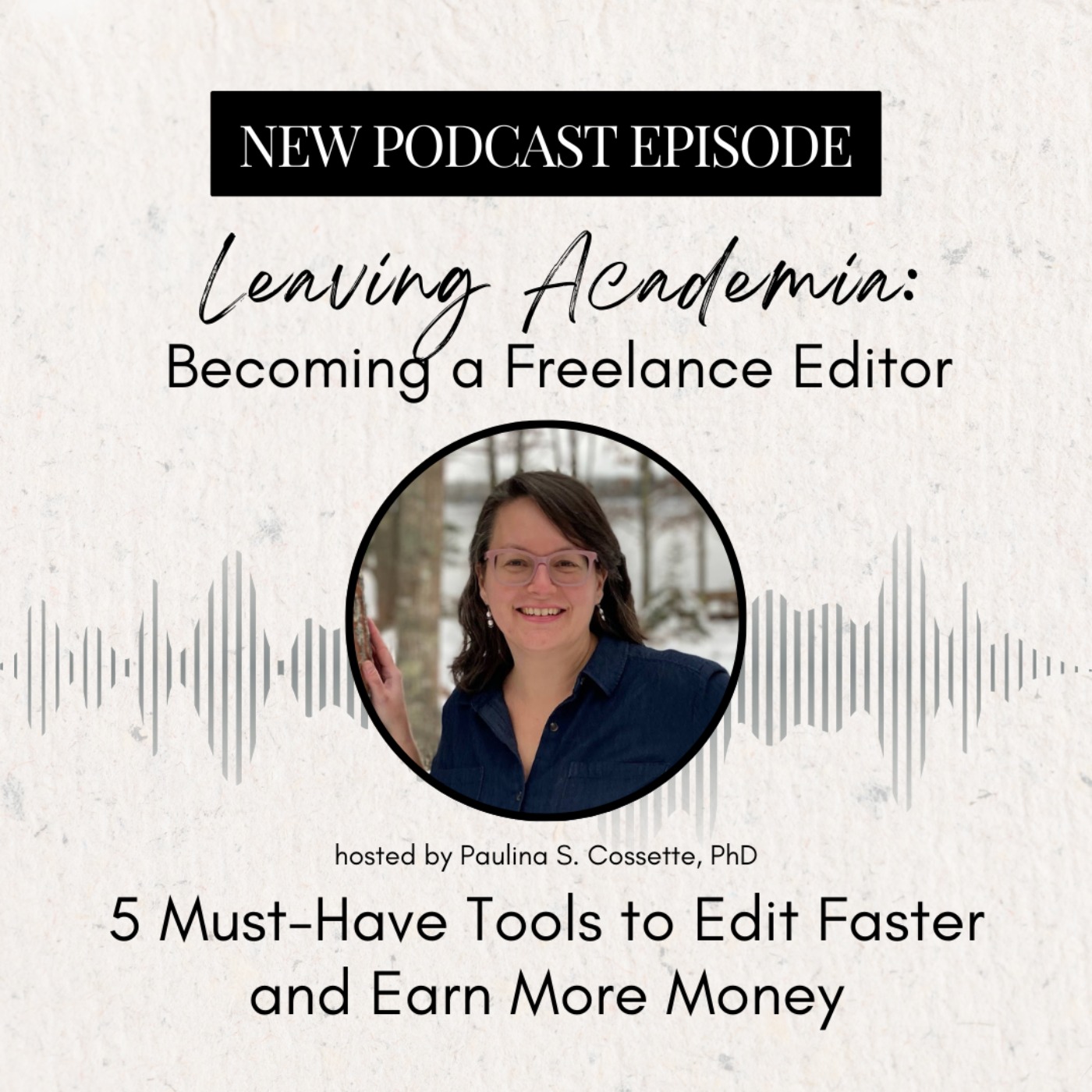
5 Must-Have Tools to Edit Faster and Earn More Money
from Leaving Academia: Becoming a Freelance Editor
Once you’ve started professional editing, how can you maximize your time and earn as much money as possible? 🧐Let’s get one thing straight: there is NO shame in wanting to earn more money. Especially given your skills and the value you provide to your clients, academic editors should feel confident charging rates that equate to $100 per hour… or more!One of the best ways to reach this goal is to bill your projects using a per-word rate. This is because, as you improve your editing skills and increase your editing speed, this raises your effective hourly rate. 📈In this week’s podcast episode, I’m sharing 5 tools (all but 1 are free!) that can help you increase your editing speed, reduce your time at your computer, and increase your earnings.This is definitely an episode you’ll want to check out on YouTube at some point because I share my screen and walk you through how to use each tool.Don’t be intimidated; you can do this! 💪Watch this episode on YouTube or listen on your favorite podcast app. https://youtu.be/ipJSNA-XytQWant more tips to super-charge your editing business and get the clients flowing in? **Join our monthly membership, Digital Marketing for Freelance Editors:AcadiaEditing.com/marketingCurious to find out more about freelance academic editing or coaching? **Get my free video series on academic editing and coaching: https://AcadiaEditing.com/BecomeAnEditor Links from the episode:Clockify: https://clockify.me/BeefText: https://beeftext.org/Mac alternatives to BeefText: https://alternativeto.net/software/beeftext/?license=free&platform=macPerfectIt: https://intelligentediting.com/buy-now/0:00 - Why Track Your Editing Speed1:57 - How Charging Per Word Benefits You2:59 - Understanding Effective Hourly Rate3:42 - Tracking Your Time with Clockify4:54 - Setting Up Projects in Clockify6:08 - Analyzing Your Time Data9:42 - Using Auto Text in Microsoft Word10:33 - Setting Up Auto Text Shortcuts13:47 - Introducing Beef Text for Windows14:52 - Creating Snippets in Beef Text17:13 - Utilizing Perfect It for Editing Checks20:47 - Getting Started with Macros23:07 - Recording Your First Macro26:36 - Recap of Editing Speed Tools Hosted on Acast. See acast.com/privacy for more information.
Embed this episode
Ready to play
5 Must-Have Tools to Edit Faster and Earn More Money
No transcript for this episode yet
Similar Episodes
No similar episodes found.
Similar Podcasts
No similar podcasts found.