
EPISODE · Jan 16, 2012 · 13 MIN
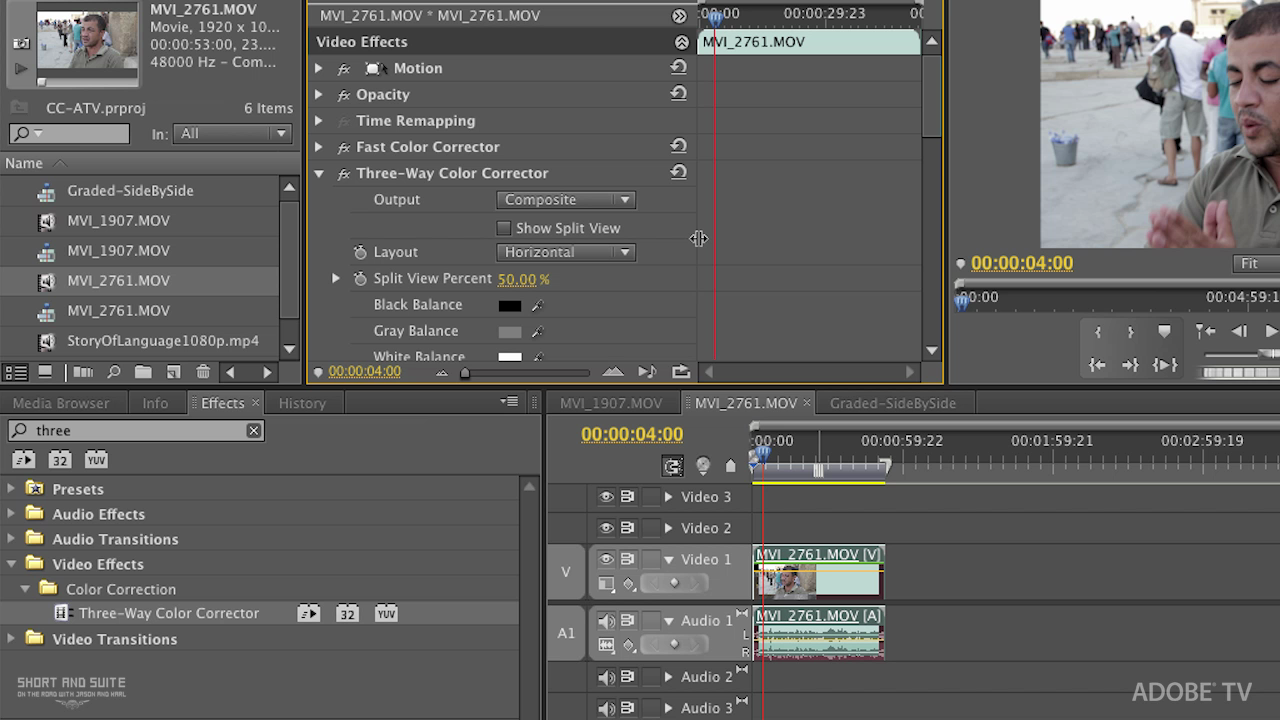
Basic Secondary Color Correction/Grading in Premiere Pro CS5.5
from Short and Suite
In this tutorial, Principal Worldwide Evangelist for Adobe, Jason Levine walks you through some basic techniques for using Secondary Color Correction in Premiere Pro CS5.5, focusing on skin tones, as well as individual color selections for more intricate grading tasks…all played in real-time thanks to the amazing, 64-bit Mercury Playback Engine. Normal 0 false false false EN-US X-NONE X-NONE /* Style Definitions */ table.MsoNormalTable {mso-style-name:"Table Normal"; mso-tstyle-rowband-size:0; mso-tstyle-colband-size:0; mso-style-noshow:yes; mso-style-priority:99; mso-style-qformat:yes; mso-style-parent:""; mso-padding-alt:0in 5.4pt 0in 5.4pt; mso-para-margin-top:0in; mso-para-margin-right:0in; mso-para-margin-bottom:10.0pt; mso-para-margin-left:0in; line-height:115%; mso-pagination:widow-orphan; font-size:11.0pt; font-family:"Calibri","sans-serif"; mso-ascii-font-family:Calibri; mso-ascii-theme-font:minor-latin; mso-fareast-font-family:"Times New Roman"; mso-fareast-theme-font:minor-fareast; mso-hansi-font-family:Calibri; mso-hansi-theme-font:minor-latin; mso-bidi-font-family:"Times New Roman"; mso-bidi-theme-font:minor-bidi;} For more helpful Adobe tutorials, visit Adobe TV, http://tv.adobe.com
Embed this episode
Ready to play
Basic Secondary Color Correction/Grading in Premiere Pro CS5.5
No transcript for this episode yet
Similar Episodes
No similar episodes found.