
EPISODE · Mar 31, 2021 · 59 MIN
Creating a YouTube Channel and Video Content
from Eyetrepreneur · host Dr. Joey Allen
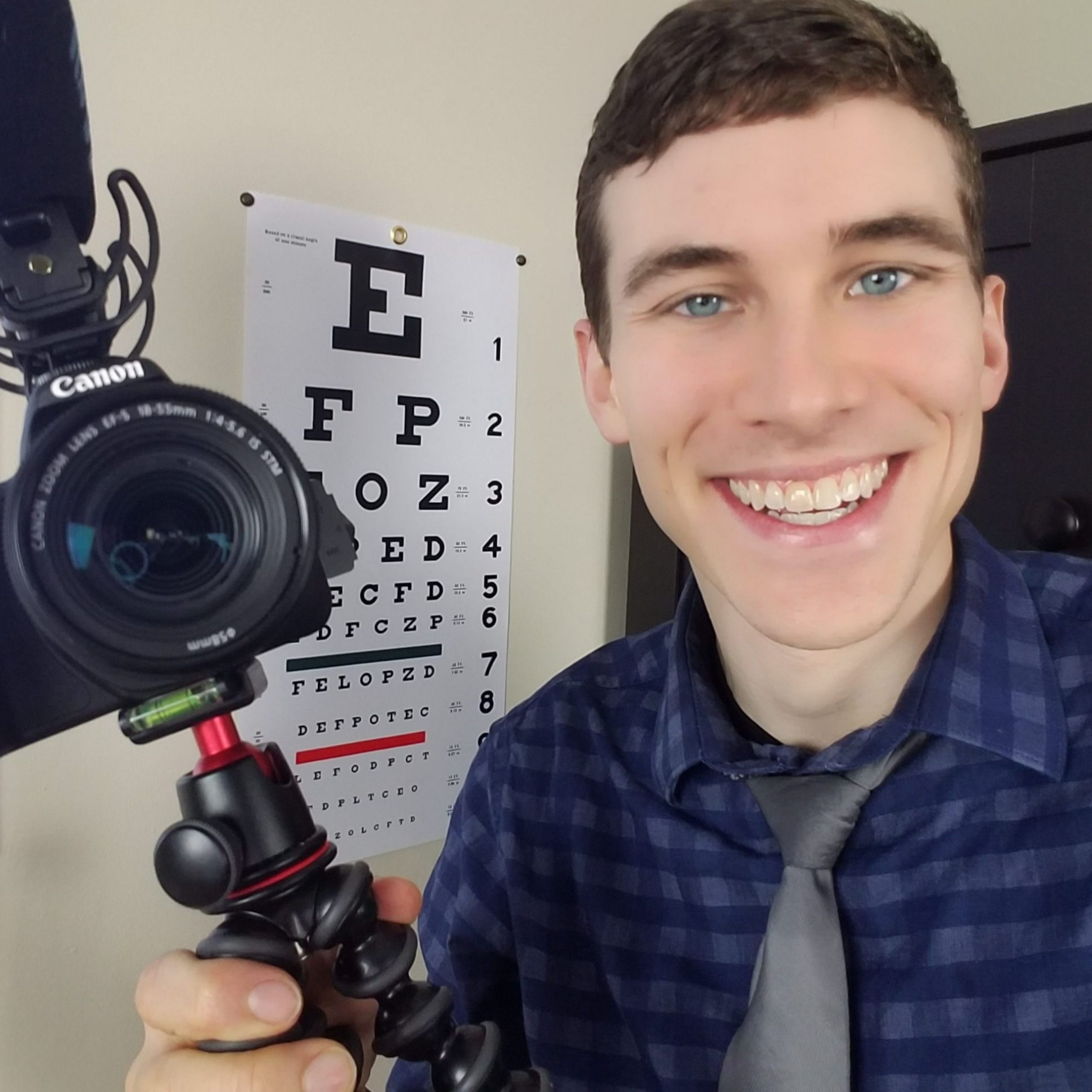
Video content rules the internet. However, most eyecare businesses, both clinics and wholesalers, rarely put out any video. Being a video content creator in your professional business does not mean you have to do silly TikTok dances or be a good editor, you just need to spend some time actually doing it.Dr. Joey Allen, host of the Doctor Eye Health channel on YouTube has over 340,000 subscribers where the public goes to for really good and entertaining education. You will learn:Using YouTube to grow your clinic or businessUsing video to advertise your clinic on the webUsing video to help with pt education and selling your goods and servicesThe tools you need to record and edit videoView Perry's Eyewear Garden E-Commerce PageGet Better Lab Pricing Now!View Dr. Allens YouTube Channel
What this episode covers
Dr. Joey Allen has over 340,000 YouTube subscribers to his channel focused on eyecare education for consumers. He will teach you how he got there and how you can use video content in your practice or on the industry side too.
NOW PLAYING
Creating a YouTube Channel and Video Content
No transcript for this episode yet
Similar Episodes
No similar episodes found.
Similar Podcasts
No similar podcasts found.