
EPISODE · May 22, 2025 · 1H 12M
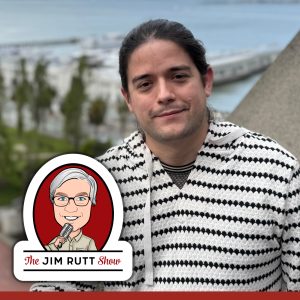
EP 300 Daniel Rodriguez on AI-Assisted Software Development
from The Jim Rutt Show · host .
Jim talks with Daniel Rodriguez about the state of AI software development and its implementation in industry. They discuss Daniel's background at Microsoft & Anaconda, transformer-based technologies, software engineering as hard vs soft science, vibe coding, barriers to entry in software engineering, cognitive styles needed for programming, Daniel's history with LLMs, unit testing & test-driven development with AI, social aspects of AI adoption, quality concerns & technical debt, style consistency & aesthetics, approaches to steering LLMs through roles & personas, philosophical perspectives on LLM consciousness & intelligence, personification & interaction styles, memory & conversation history in models, agent-based systems & their historical origins, the future of agent frameworks, customer/user interaction within agent ecosystems, distributed systems, future predictions about inference costs & protocols, IDEs & linting tools, and much more.
Embed this episode
Ready to play
EP 300 Daniel Rodriguez on AI-Assisted Software Development
No transcript for this episode yet
Similar Episodes
No similar episodes found.