
EPISODE · Oct 23, 2019 · 5 MIN
ポッドキャストにチャプターを入れてみました(第149回)
from アシカガCAST · host アシカガコウジ
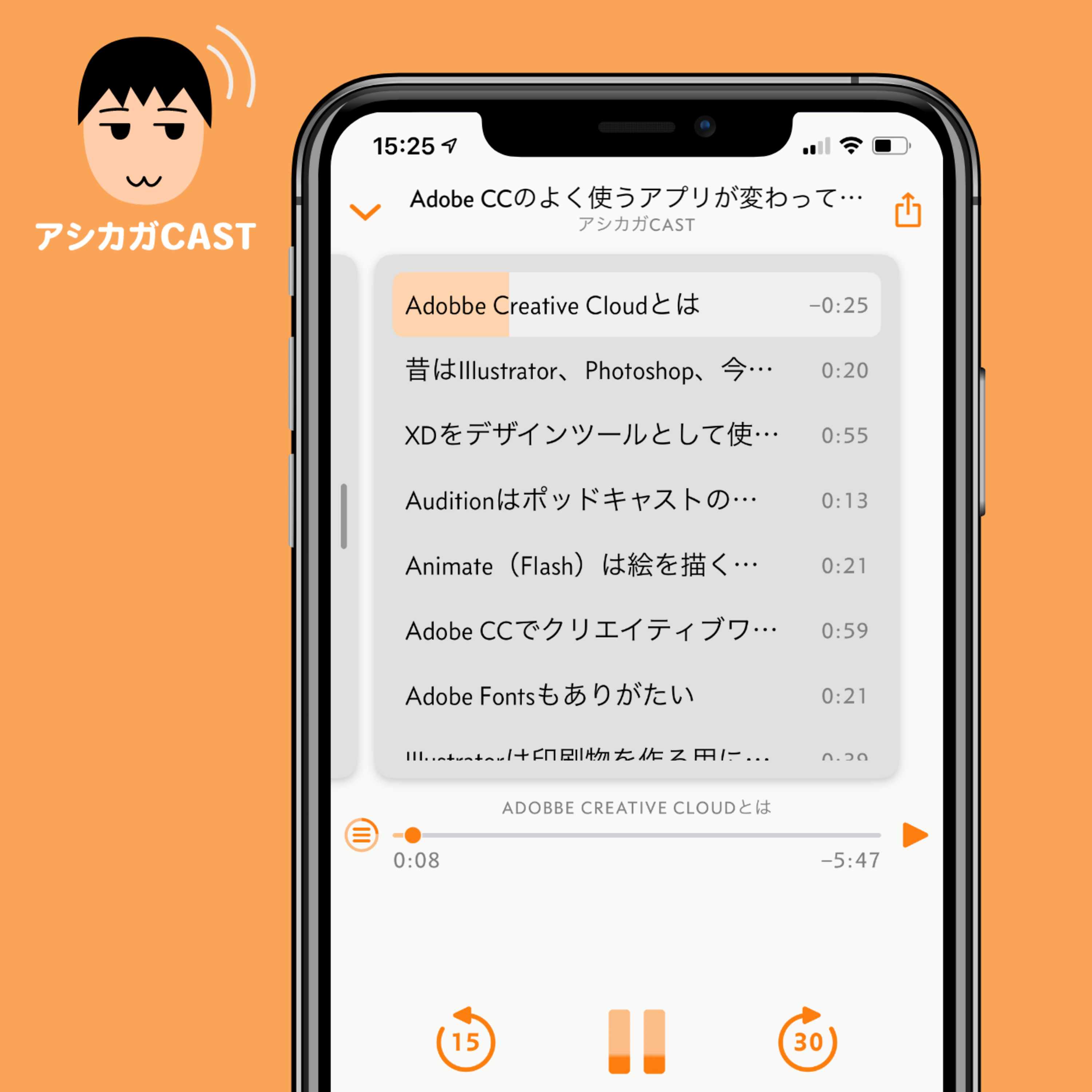
ポッドキャストにチャプターをつけることにチャレンジしてみました。対応したポッドキャスト再生ツールだと、チャプターごとに頭出しできます。 結果、Overcastという再生ツールではチャプターが表示されて頭出しができましたが、Apple Podcastアプリではダメでした。2つのポッドキャストサービスを連携させているのがダメだった理由ではないかと考えています。 === 目次 === 0:00 ポッドキャストにはチャプター(目次)をつけられる 0:35 チャプター機能を使いたくなった理由 0:56 Podcast Chaptersという有料アプリもあるがForecastは無料 1:25 Forecastでチャプター付きのMP3を作れる 1:50 Adobe AuditionのマーカーをForecast上でチャプターとして認識できる 2:48 Overcastではチャプター機能使えたけどApple Podcastではダメだった 3:25 2つのポッドキャストサービスを連携させているのがApple podcastでダメな原因では? 4:15 YouTubeでもチャプター機能のように目次で頭出しできる 5:02 しめの言葉 ■Forecast: Podcast MP3 Chapter Encoder — Overcast https://overcast.fm/forecast ------- #アシカガCAST デジタル活用のヒントを与えられることを目指した ・各回ワンテーマ(余計な近況報告ナシ) ・5分くらいでさらっと聴ける ポッドキャストを基本週5回(月〜金)配信しています。 ■Twitterアカウント https://twitter.com/ashikagacast ■Facebookページ https://www.facebook.com/ashikagacast/ ■アシカガCAST コミュニティ on Spectrum https://spectrum.chat/cast Apple Podcast、Spotify、Google Podcast、YouTubeなどで配信しています。 ■Apple Podcast https://podcasts.apple.com/jp/podcast/%E3%82%A2%E3%82%B7%E3%82%AB%E3%82%ACcast/id1471540766 ■Spotify https://open.spotify.com/show/7JhT3snKrz5TnWzwB7xOq6 ■Google Podcast https://www.google.com/podcasts?feed=aHR0cHM6Ly9hbmNob3IuZm0vcy85MjMxOTYwL3BvZGNhc3QvcnNz ■YouTube https://www.youtube.com/channel/UCj09Ciw-xGZheDKJ8NObJtw
Embed this episode
NOW PLAYING
ポッドキャストにチャプターを入れてみました(第149回)
No transcript for this episode yet
Similar Episodes
No similar episodes found.
Similar Podcasts
No similar podcasts found.