
EPISODE · Jan 16, 2012 · 19 MIN
Quick-Start DSLR Editing Workflow for Final Cut Users/Switchers (updated for CS5.5!)
from Short and Suite
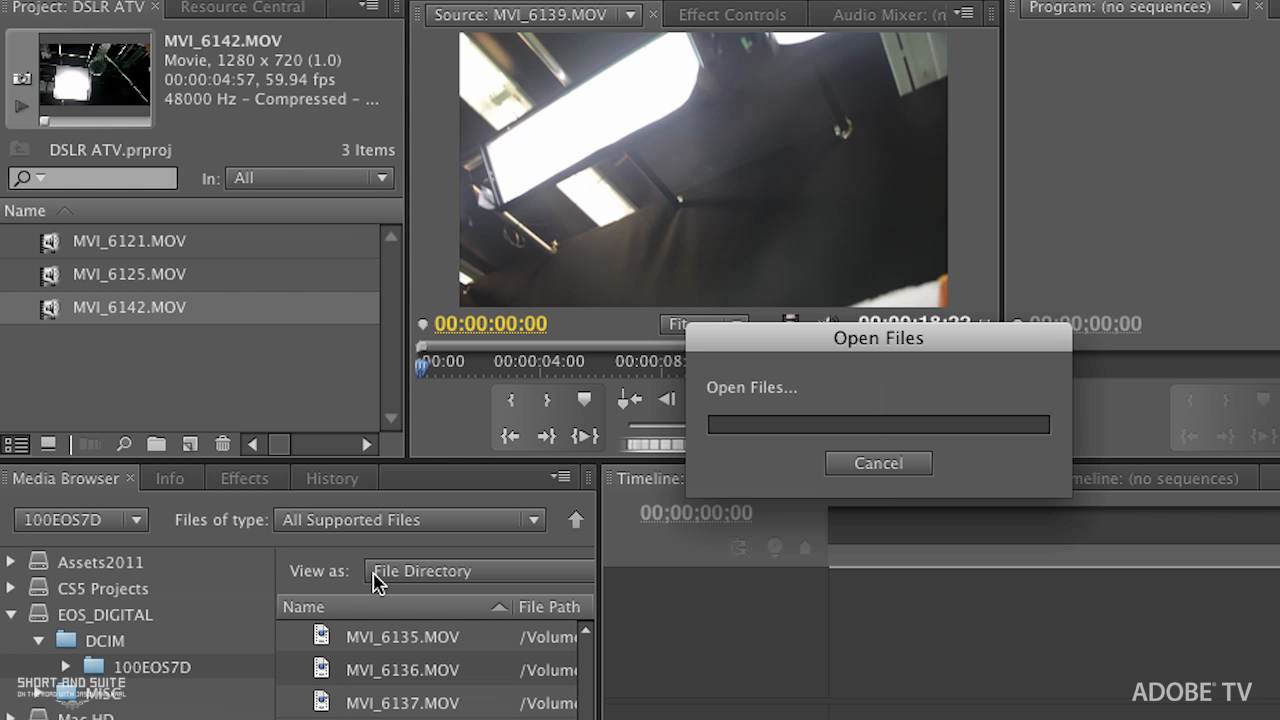
In this tutorial, Principal Worldwide Evangelist for Adobe, Jason Levine will take you 'from the camera to the timeline', showcasing a complete Ingest-Edit-Export workflow when working with DSLR video media, or really any tapeless, file-based format in Premiere Pro CS5.5. Along the way, he'll describe many of the benefits of working natively with Photoshop and After Effects as well. And, if you're coming from Final Cut Pro or Avid Media Composer, this short tutorial will have you editing and exporting your DSLR footage very quickly. Normal 0 false false false EN-US X-NONE X-NONE /* Style Definitions */ table.MsoNormalTable {mso-style-name:"Table Normal"; mso-tstyle-rowband-size:0; mso-tstyle-colband-size:0; mso-style-noshow:yes; mso-style-priority:99; mso-style-qformat:yes; mso-style-parent:""; mso-padding-alt:0in 5.4pt 0in 5.4pt; mso-para-margin-top:0in; mso-para-margin-right:0in; mso-para-margin-bottom:10.0pt; mso-para-margin-left:0in; line-height:115%; mso-pagination:widow-orphan; font-size:11.0pt; font-family:"Calibri","sans-serif"; mso-ascii-font-family:Calibri; mso-ascii-theme-font:minor-latin; mso-fareast-font-family:"Times New Roman"; mso-fareast-theme-font:minor-fareast; mso-hansi-font-family:Calibri; mso-hansi-theme-font:minor-latin; mso-bidi-font-family:"Times New Roman"; mso-bidi-theme-font:minor-bidi;} For more helpful Adobe tutorials, visit Adobe TV, http://tv.adobe.com
Embed this episode
Ready to play
Quick-Start DSLR Editing Workflow for Final Cut Users/Switchers (updated for CS5.5!)
No transcript for this episode yet
Similar Episodes
No similar episodes found.