
EPISODE · Feb 21, 2026 · 27 MIN
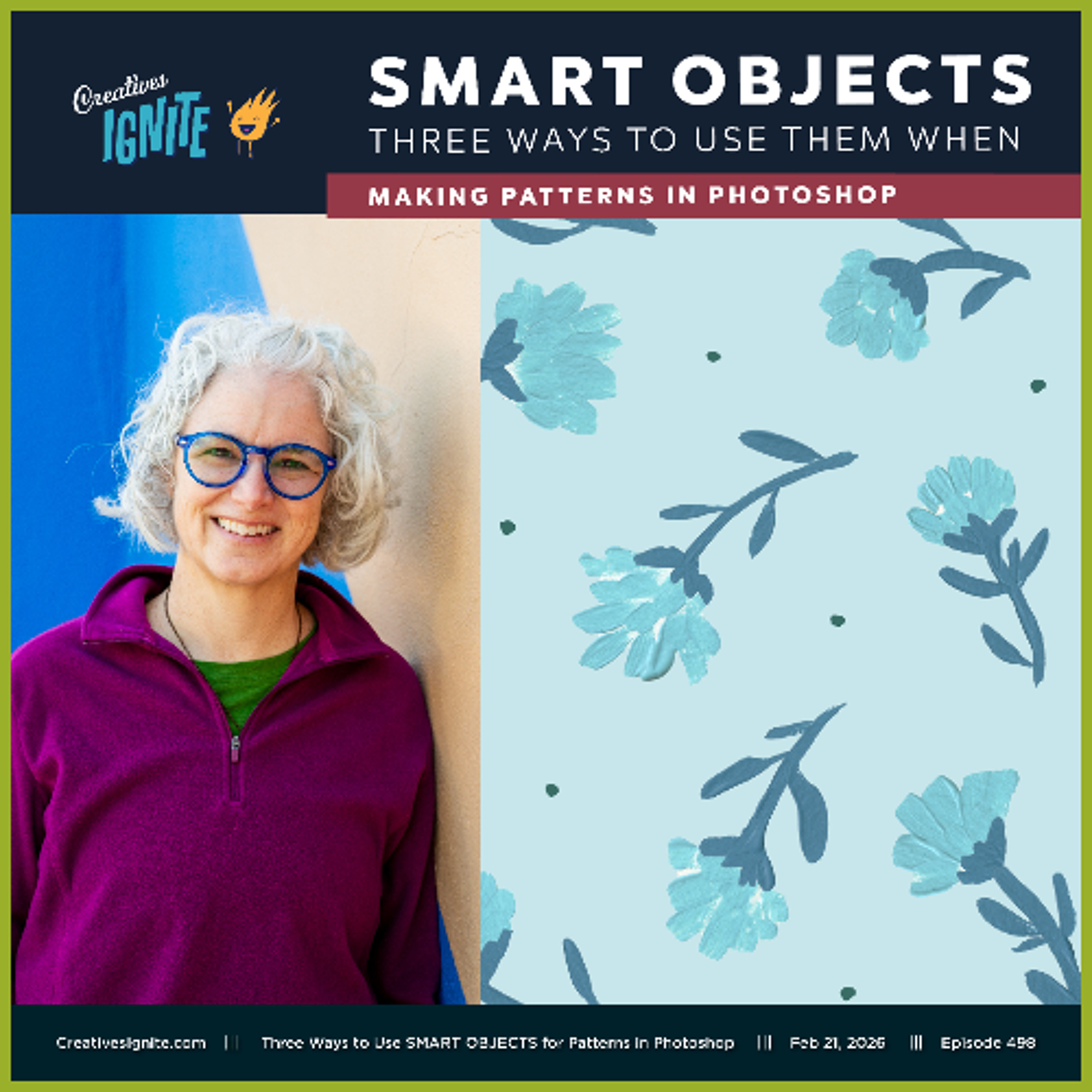
Three Ways to Use SMART OBJECTS for Patterns in Photoshop
from Creatives Ignite · host diane gibbs
This episode is all about how I use Smart Objects in Photoshop when I am making my patterns. In this episode I break down when to use smart objects and how to use them in three different ways to edit your patterns and make your artwork work harder for you. I show layer masking, adjustment layers, and good practices for making strong patterns with smart objects. I hope you enjoy this episode and let me know if you have any questions. Get the show links at: https://creativesignite.com/three-ways-to-use-smart-objects-for-patterns-in-photoshop/ Creatives Ignite provides creative solopreneurs with weekly inspiration & honest insights about running a creative business. Encouraging creatives to keep their creativity ignited by exploring new tools and techniques, making messes, and connecting with people all around the world. Sign up here to get the episode link delivered to your inbox. https://creativesignite.com/signup
Embed this episode
NOW PLAYING
Three Ways to Use SMART OBJECTS for Patterns in Photoshop
No transcript for this episode yet
Similar Episodes
No similar episodes found.
Similar Podcasts
No similar podcasts found.